The Culture Shock
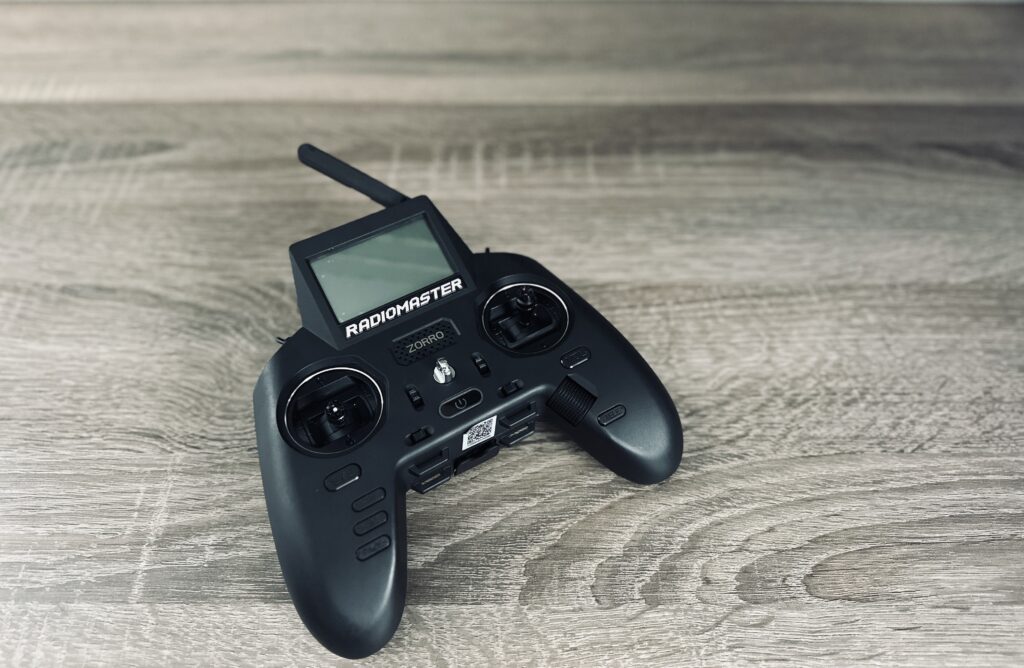
The box finally arrived. I opened it, took out the Radiomaster Zorro – and in that first moment, I was simply overwhelmed.
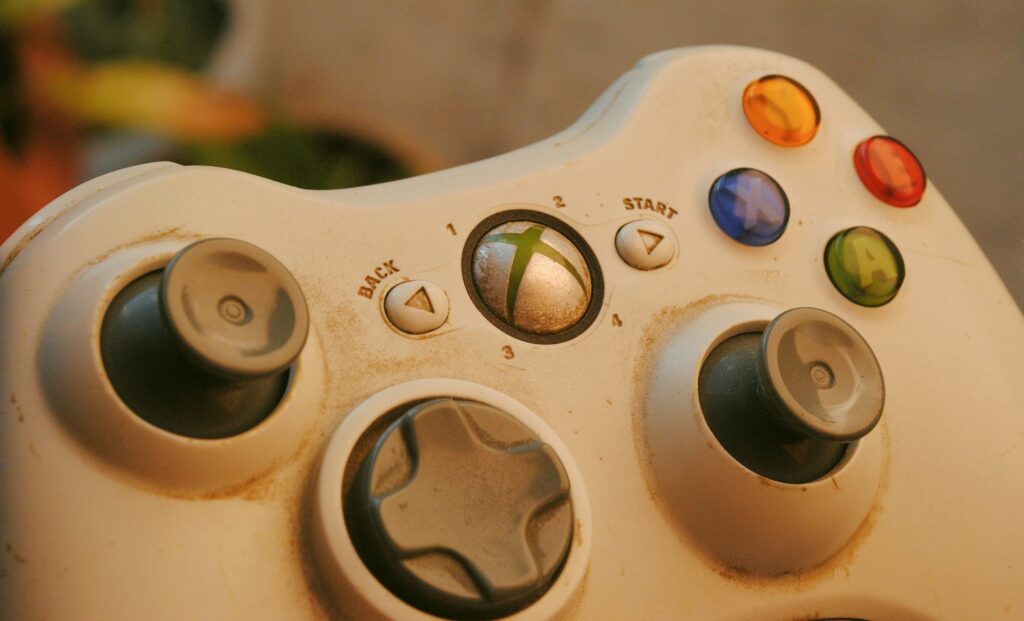
This isn’t a controller anymore. This is an instrument. There are switches, dials, and buttons everywhere. The device runs its own operating system (EdgeTX), which greeted me upon first boot with menus where I didn’t understand 90% of the terms. Coming from a simple Xbox gamepad, you feel like someone moved from a tricycle directly into the cockpit of a jet.
The Feel: Sensitive and Unfamiliar
The first “dry run” felt completely alien. Most obviously, the throttle stick doesn’t spring back to the center. It stays down, or wherever you push it. I knew this theoretically, but feeling it physically is something else entirely.
However, much more intense was the sensitivity. The Hall sensor gimbals of the Zorro are buttery smooth and react to the millimeter. In comparison, the Xbox sticks felt like rusty levers.
The Grip Crisis: Thumb vs. Pinch
Precisely this precision led to my first major problem. On the gamepad, I always just used my thumbs (Thumb Grip). It felt natural. On the Zorro, my thumb suddenly felt clumsy and insecure. I lacked fine control over these sensitive sticks.
I knew from my research that there are essentially three grip styles in FPV:
- Thumb: Thumbs only (like gaming).
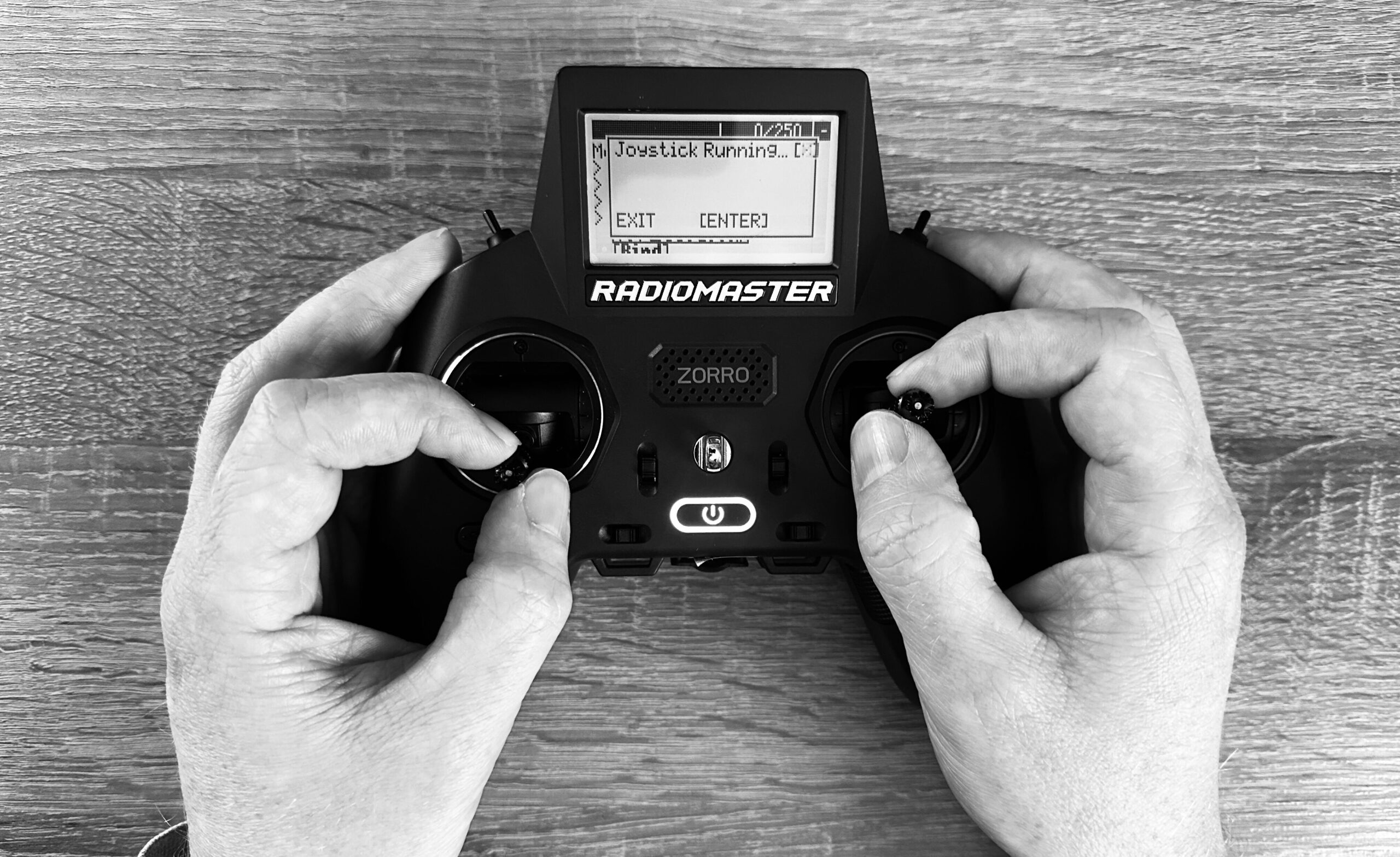
- Pinch: Thumb and index finger “pinch” the stick.
- Hybrid / Semi-Pinch: A mix of both.
Although it currently feels like I’m knotting my fingers, I decided to start getting used to the Pinch Grip. It gives me more stability, even if it feels extremely unnatural right now.
Starting Over?
Does this mean my training with the Xbox controller was in vain? No. The understanding of physics and the simulator flows is there. But the motor journey, the muscle memory for control, effectively starts all over again with this new controller.
Keep it Simple: Setup and Connection
Given the thousand possibilities of this radio, I made a conscious decision: Keep it simple. I didn’t get lost in the depths of mixing settings or Lua scripts. My goal was just: Turn it on and connect to the PC.
I briefly tested the USB cable but immediately switched to Bluetooth. The Zorro can connect wirelessly as a joystick. This is my absolute favorite – no cables on the desk, pure freedom. I don’t need more setup for now. Now it’s time to practice the pinch grip and not despair.